Senior UX/UI DesignerApp + Web CMSHealthTech / Telemedicine

Dr. Smoothlife Platform
HAPPY THREE CREATION CO., LTD. · 7 mo · Aug 2023 – Feb 2024
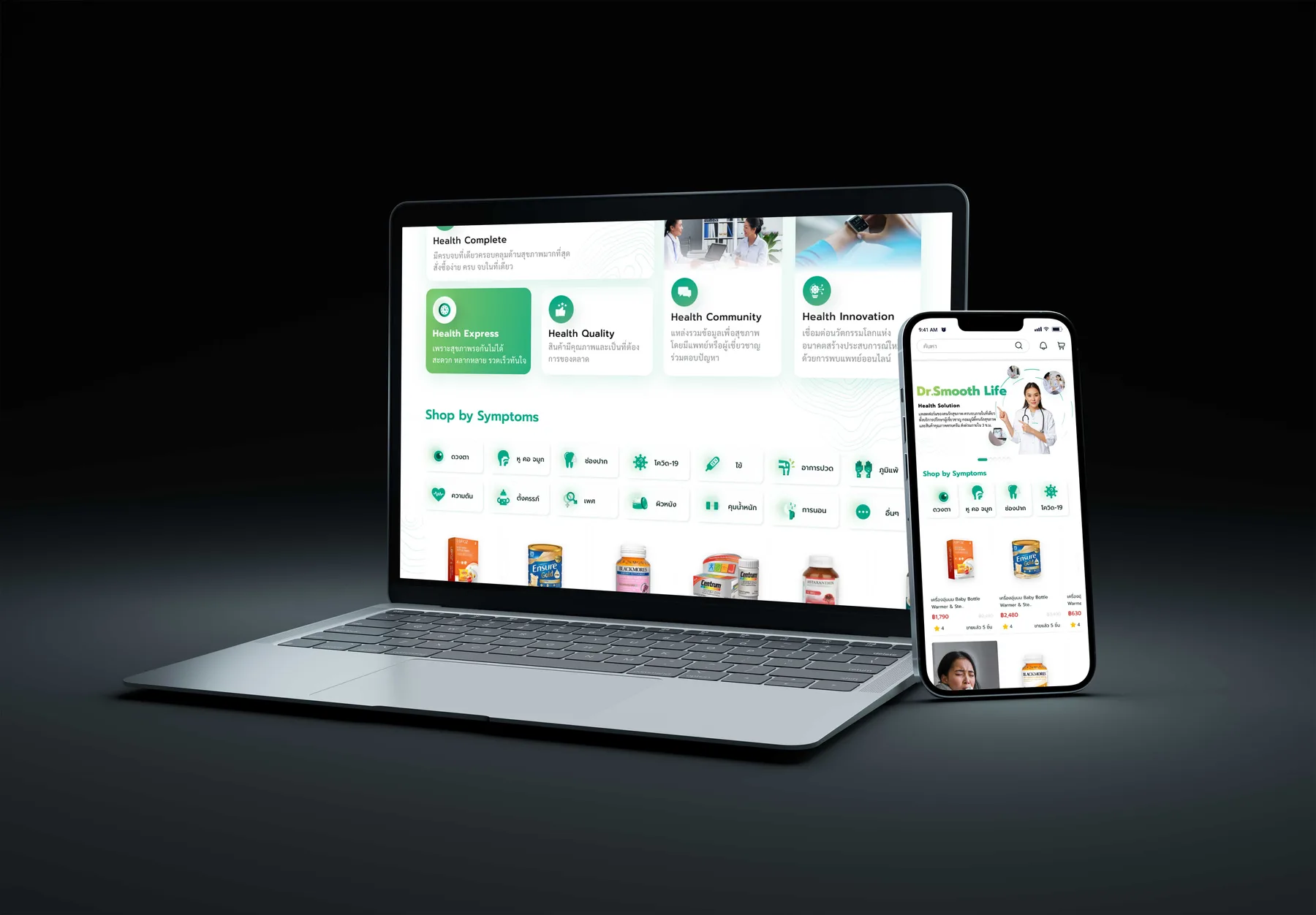
Dr. Smoothlife patient website on a laptop and a phone, showing Shop by Symptoms and product listings
Executive Summary & Impact
Connected Telemedicine
From intake to delivery
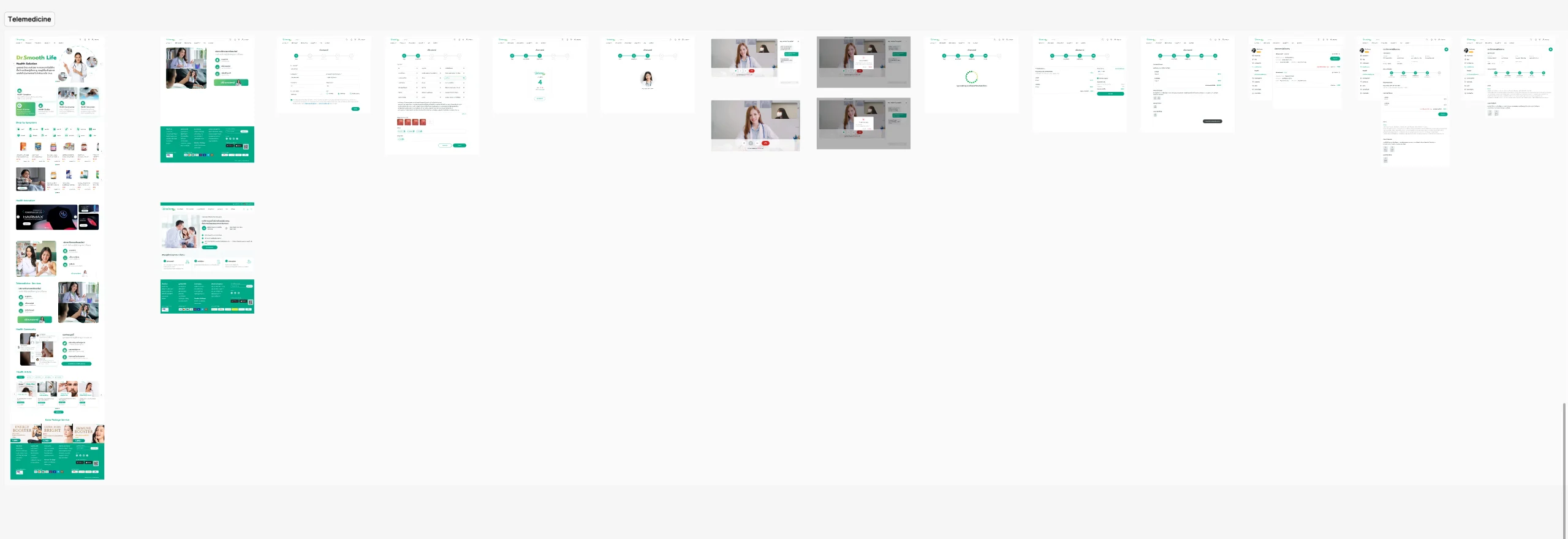
Intake, video consultation, the pharmacy catalogue and delivery designed as one service across the patient app and website.
Guided Intake
Consultation journeys
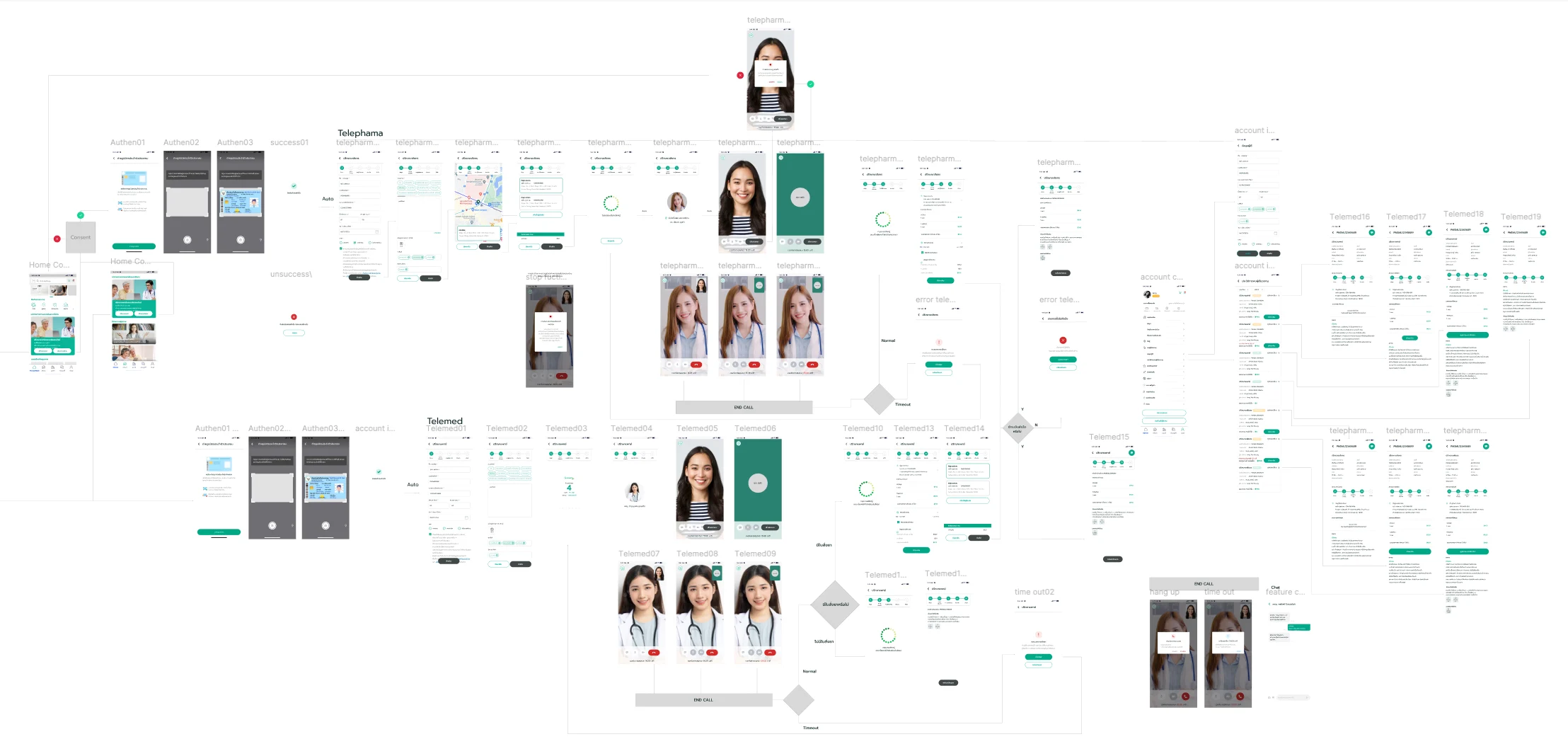
A stepped intake with identity verification, a queue and the video call, with the time-out, hang-up and error branches drawn as screens too.
Operational Back Office
Connected service management
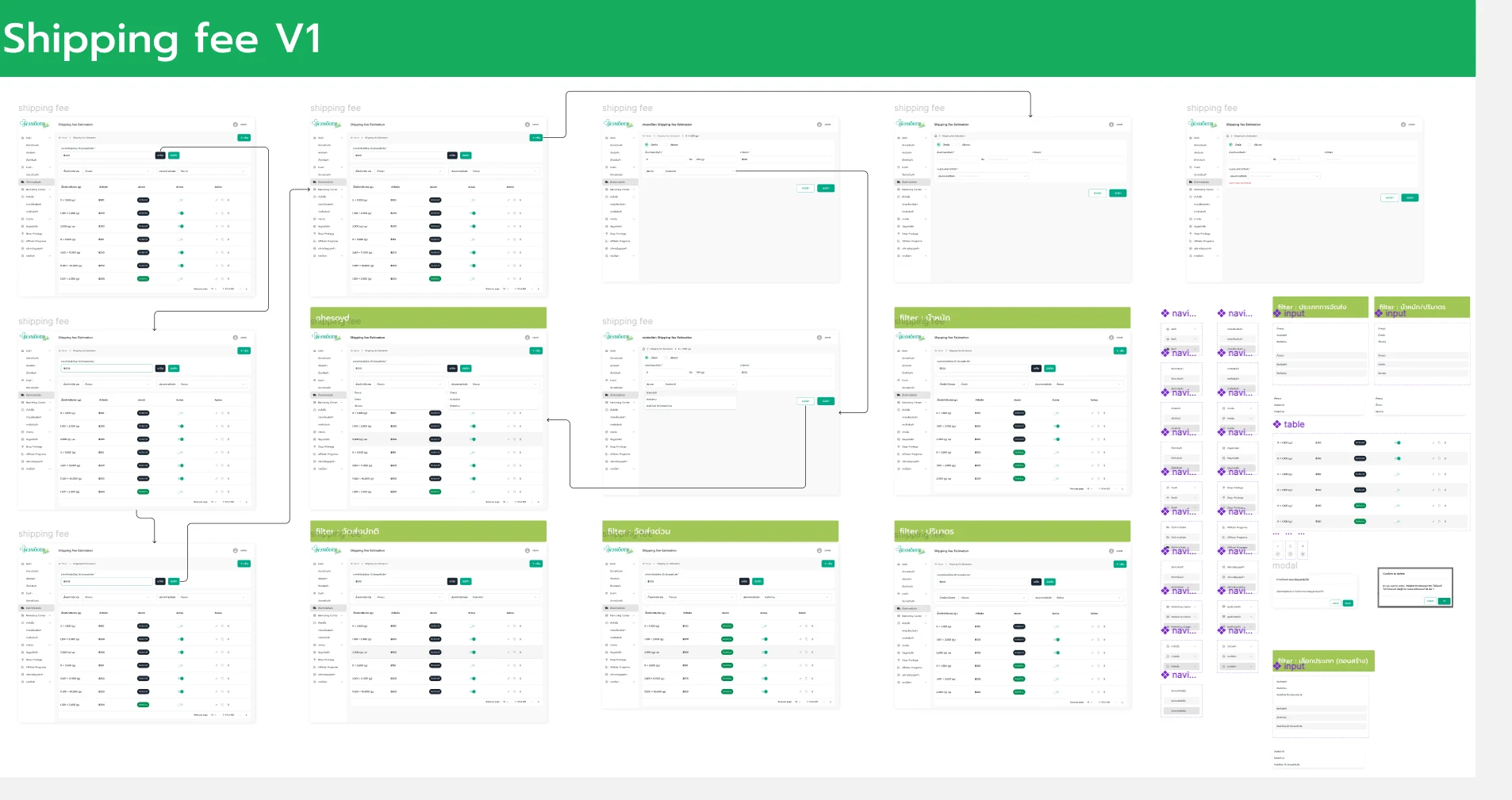
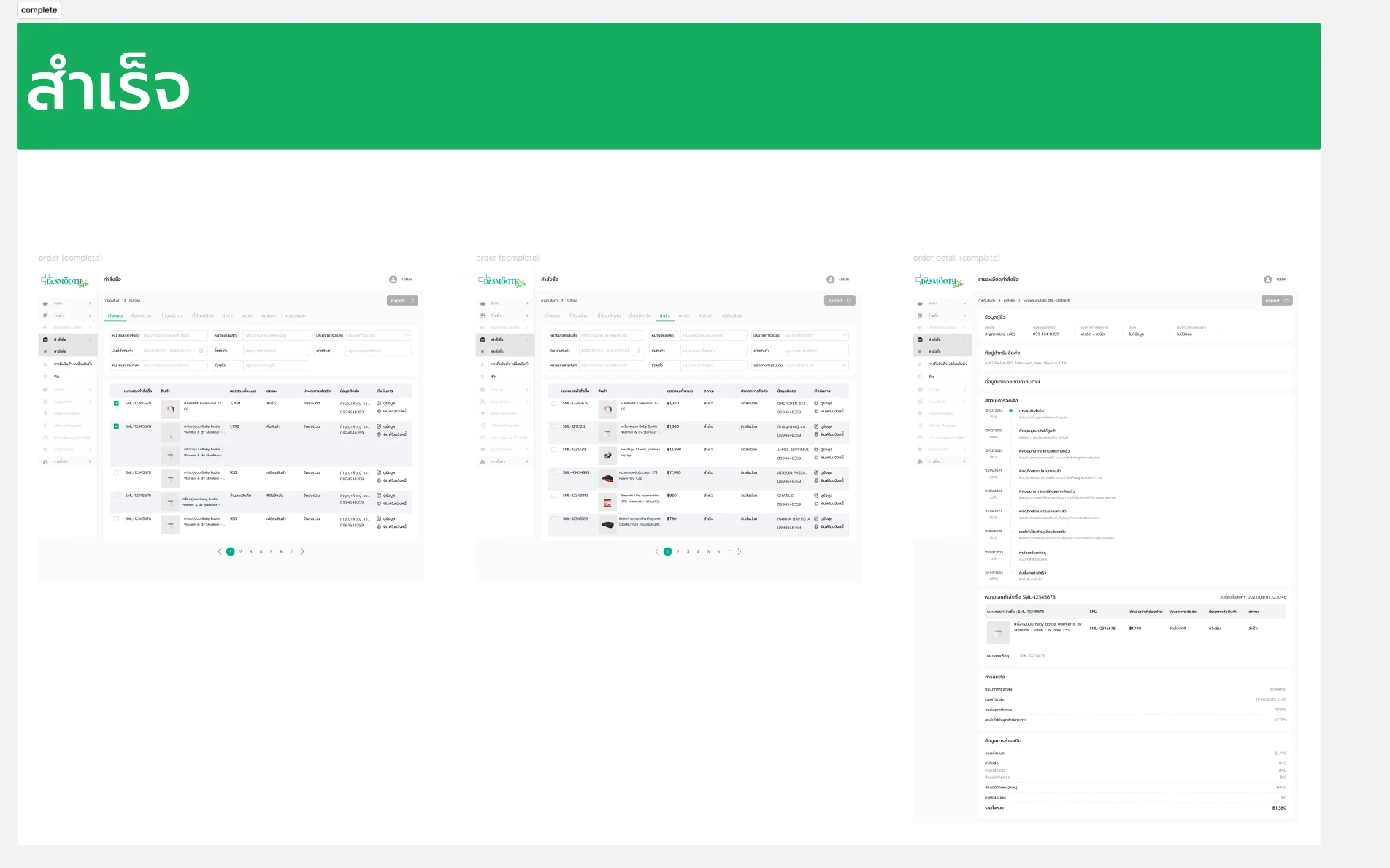
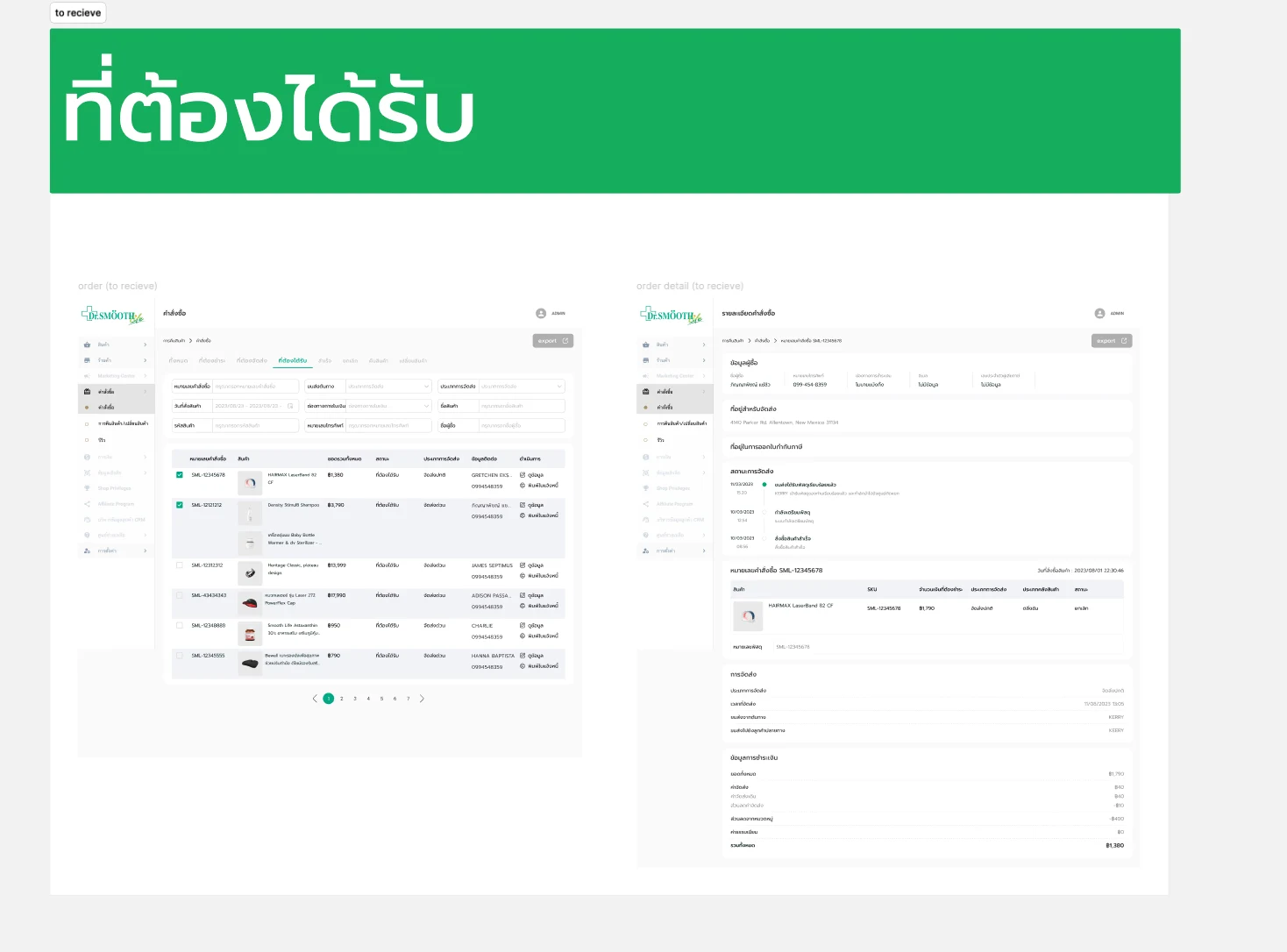
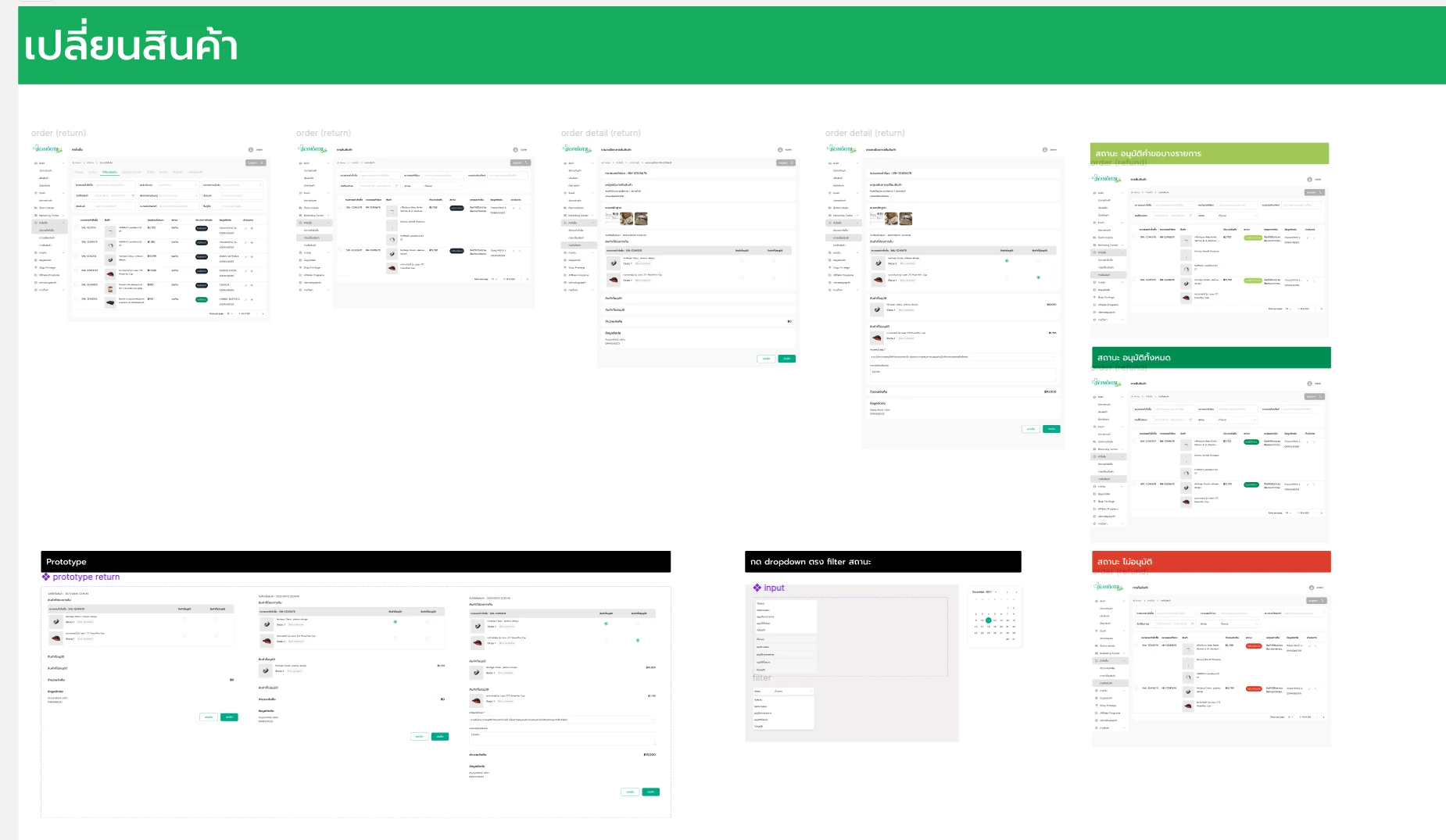
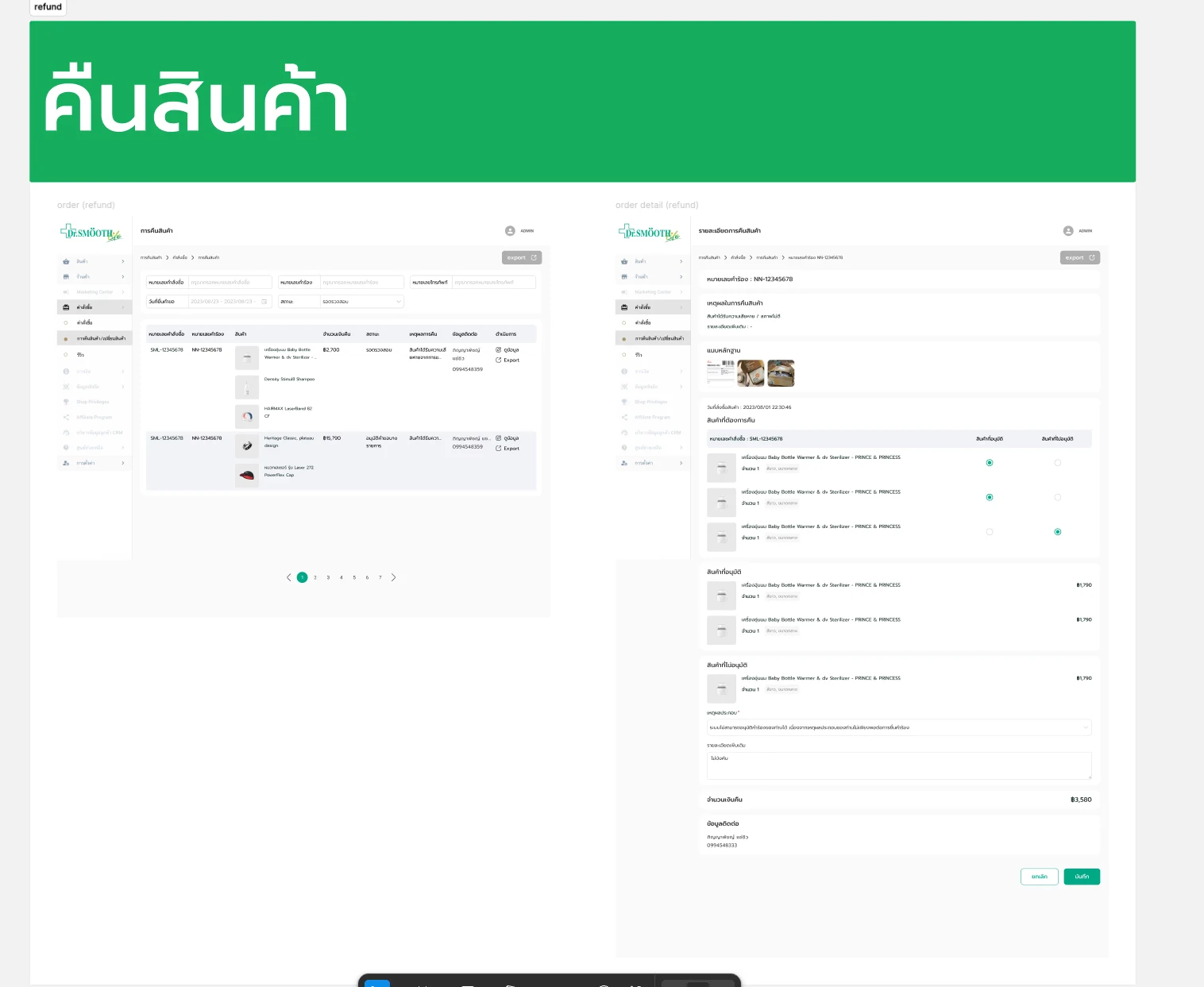
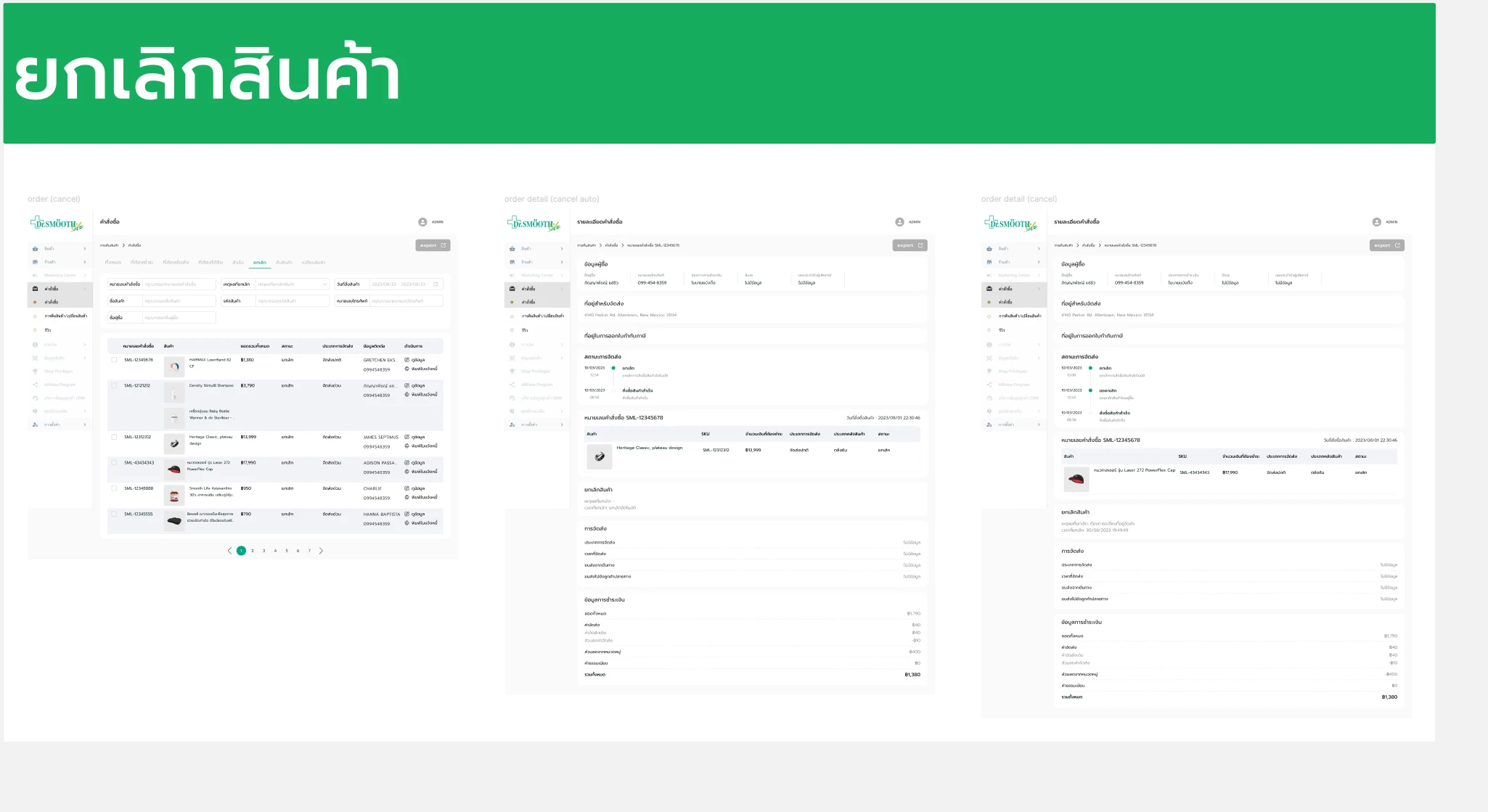
Admin workflows for shipping-fee rules, order management, and returns, exchanges and cancellations behind the telemedicine service.

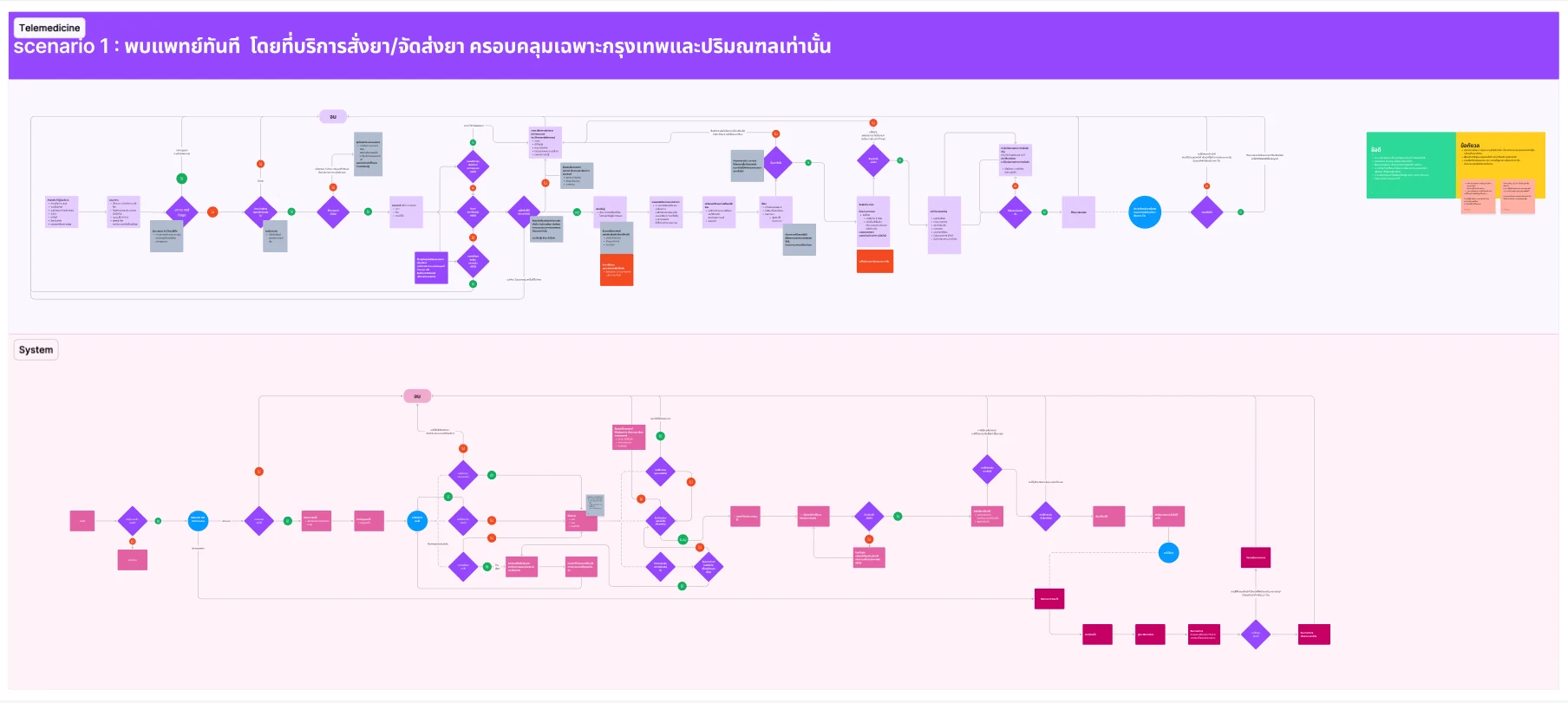
Dr. Smoothlife is a telemedicine and online pharmacy service on a mobile app and a responsive website, with a web back office behind it. The design maps each service scenario as patient and system lanes, takes the patient from a stepped intake and identity check through the video consultation to buying and receiving medicine, and gives the back office its own flows for delivery fees, orders, and returns, exchanges and cancellations.

01 / Discovery & Context

Problem & Baseline

Telemedicine involves more than the consultation itself. Patients need to move through intake and identity checks before meeting a doctor, then buy and receive their medicine, on a phone or on the web. Behind the experience, delivery pricing, orders and the exceptions, returns, exchanges and cancellations, each need a workflow of their own.

Disconnected patient journey
Patient intake, consultation, purchase and delivery needed to work together as one continuous experience rather than separate product steps.
Coverage-dependent delivery
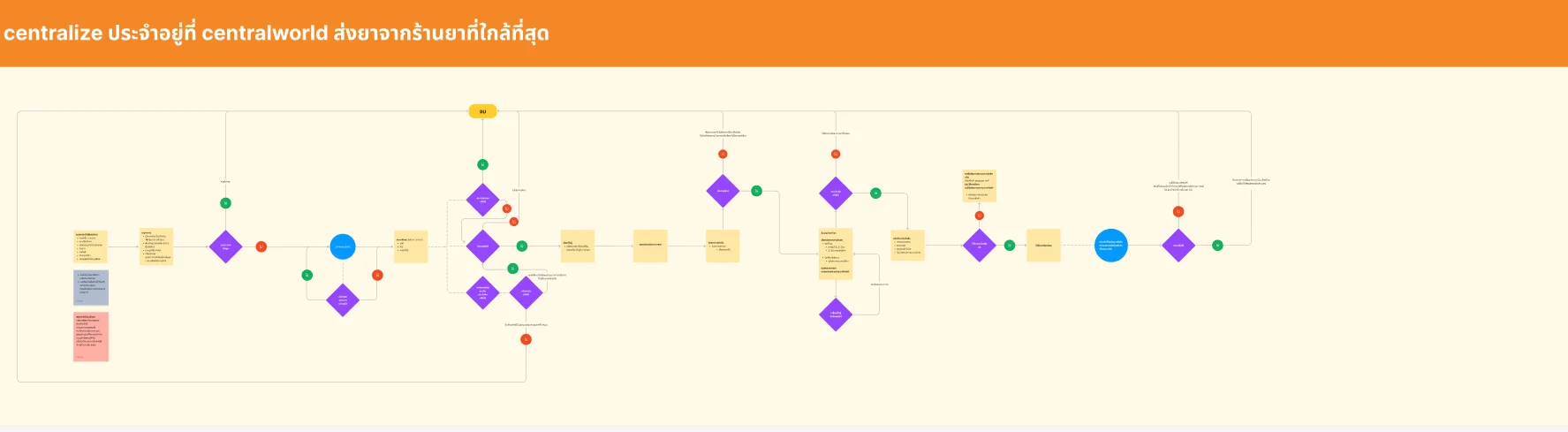
Delivery coverage differed between service scenarios, so the same consultation could end in different dispensing and delivery paths.
Complex fulfilment operations
Shipping-fee rules, orders, returns, exchanges and cancellations required structured back-office workflows.
Multiple product surfaces
The platform spanned a patient mobile app, a responsive patient website and a web back office, requiring consistency across different contexts.
02 / Architecture & UX System

Key Design Decisions

01
Structured Medical Intake
Designed a stepped intake with a progress bar, identity verification on mobile and a queue, so patients provide the right information and know where they stand before connecting with a doctor.
02
Scenario-First Service Mapping
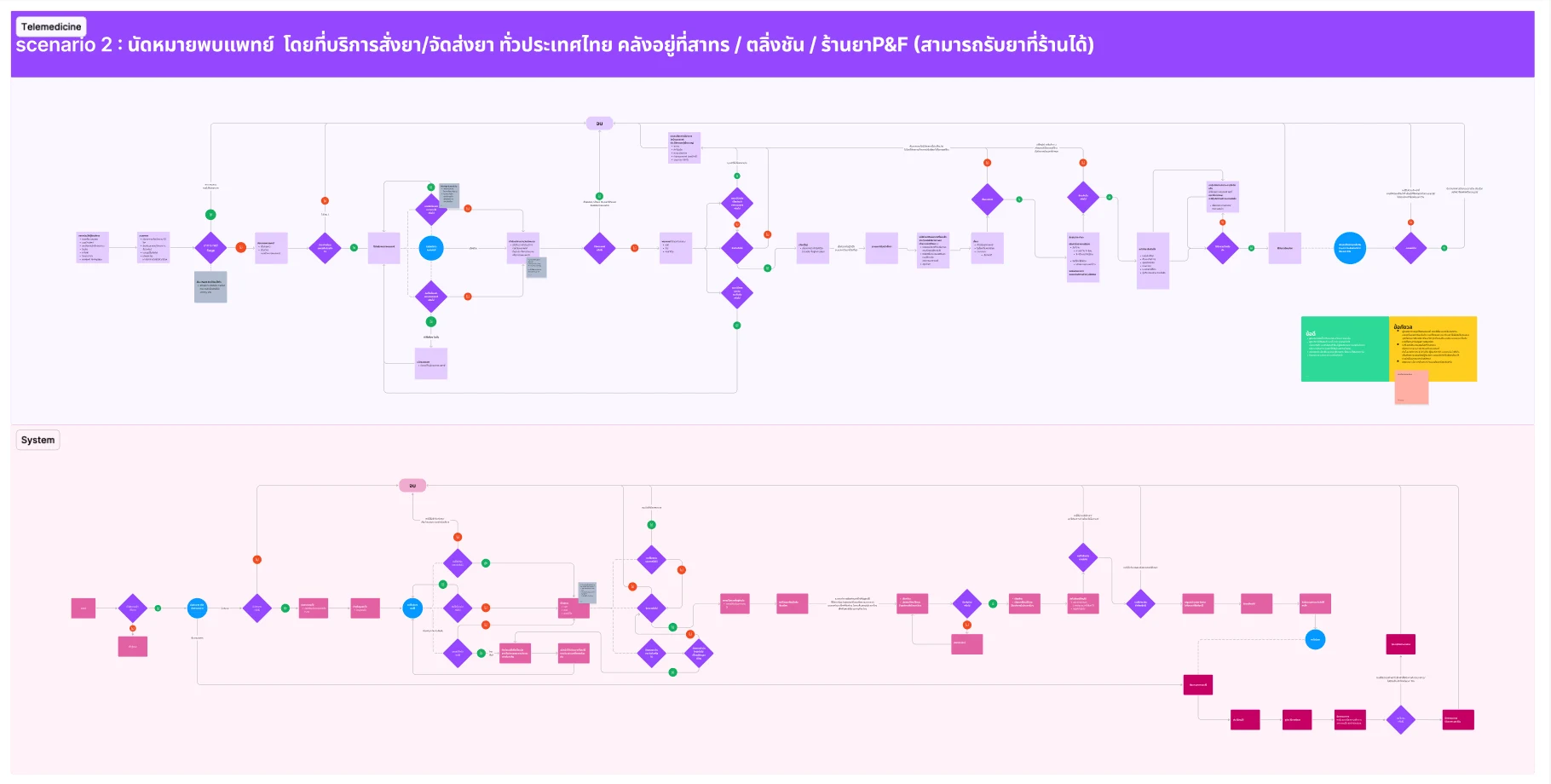
Mapped each service scenario with a patient lane above a system lane before drawing screens, so every decision point shows what the patient sees and what the system has to do.
03
One Design System Across Surfaces
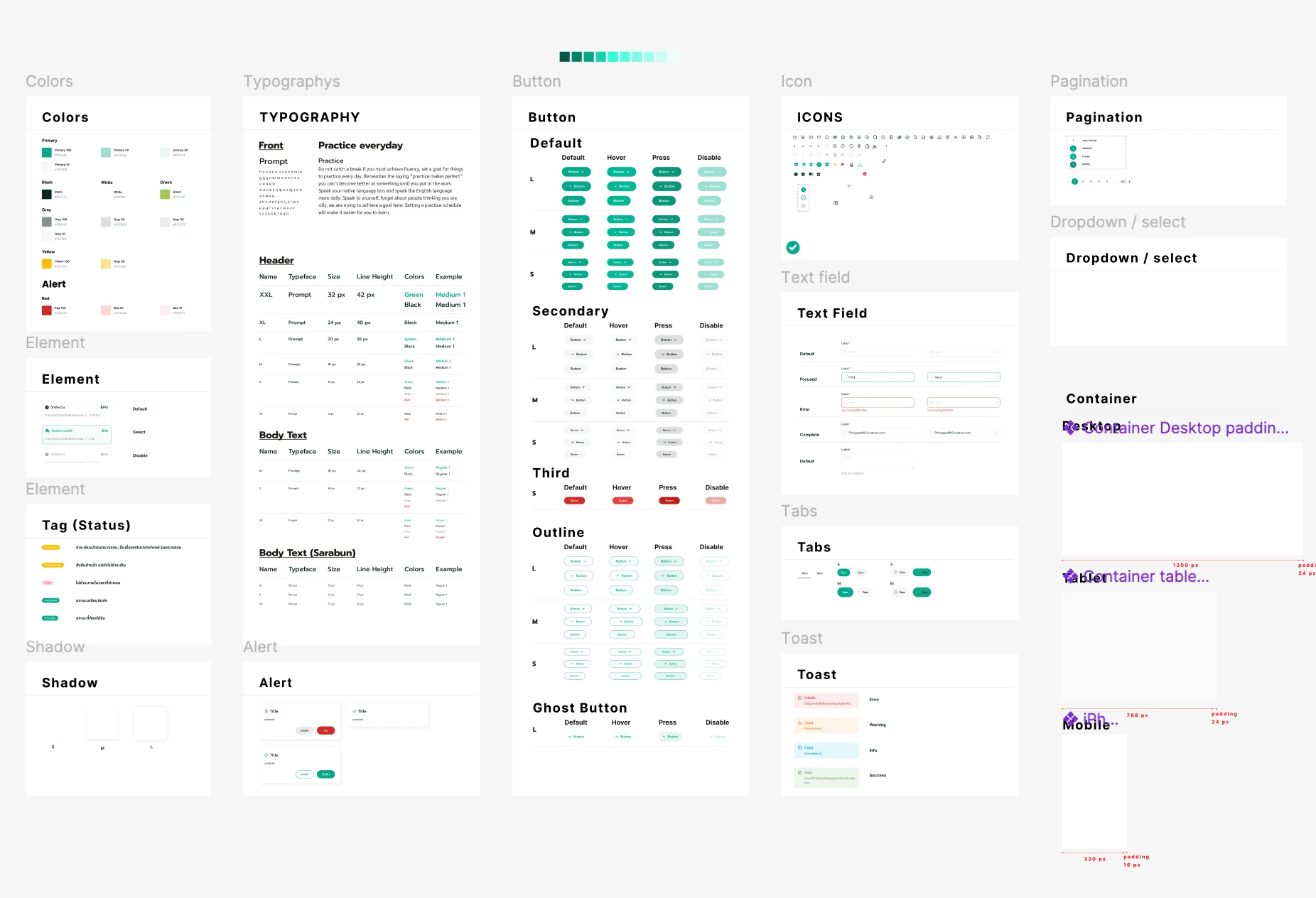
Built one system of colour, Thai type, buttons, fields, tags and toasts, each with its states, shared by the patient app, the website and the back office.
04
Patient Web Built for Every State
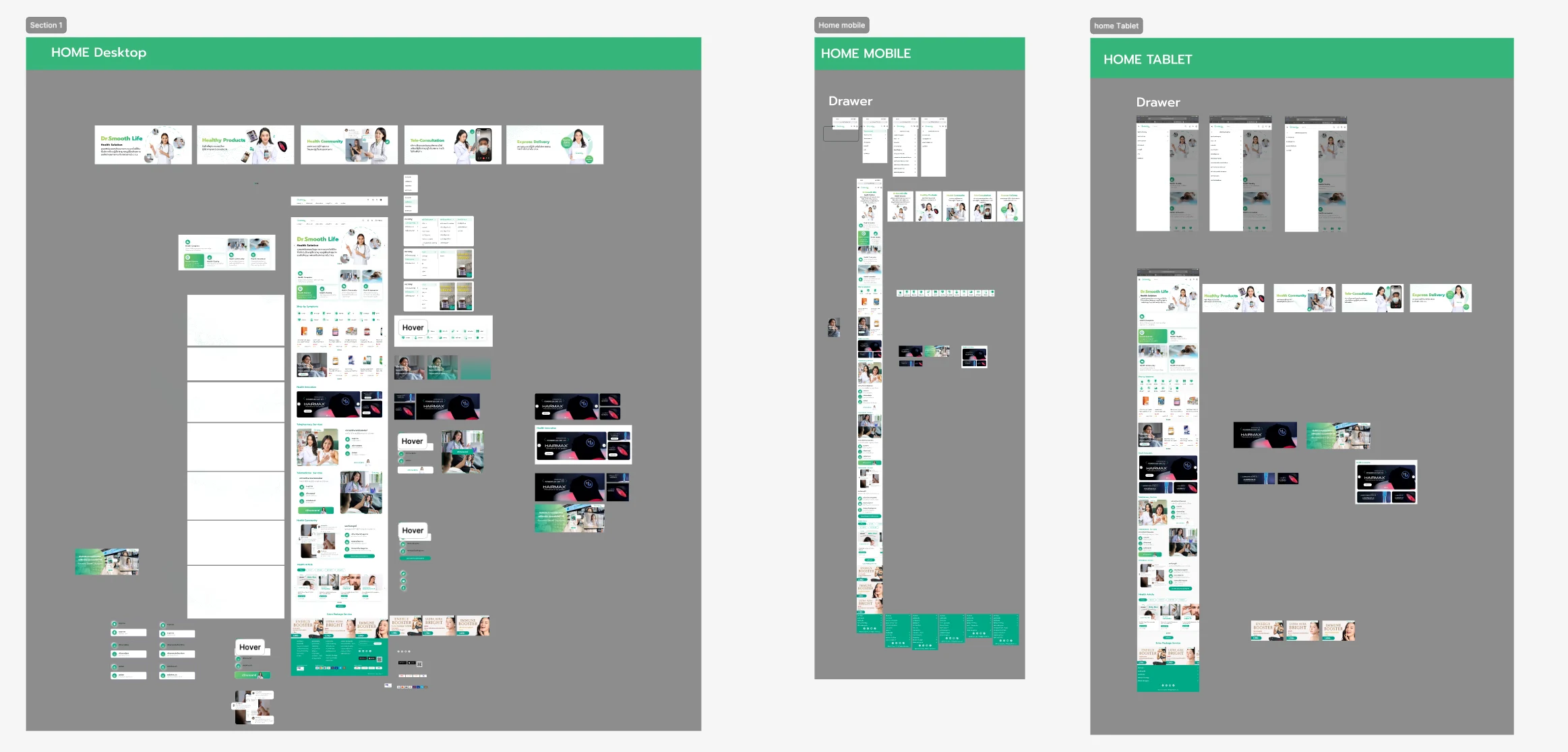
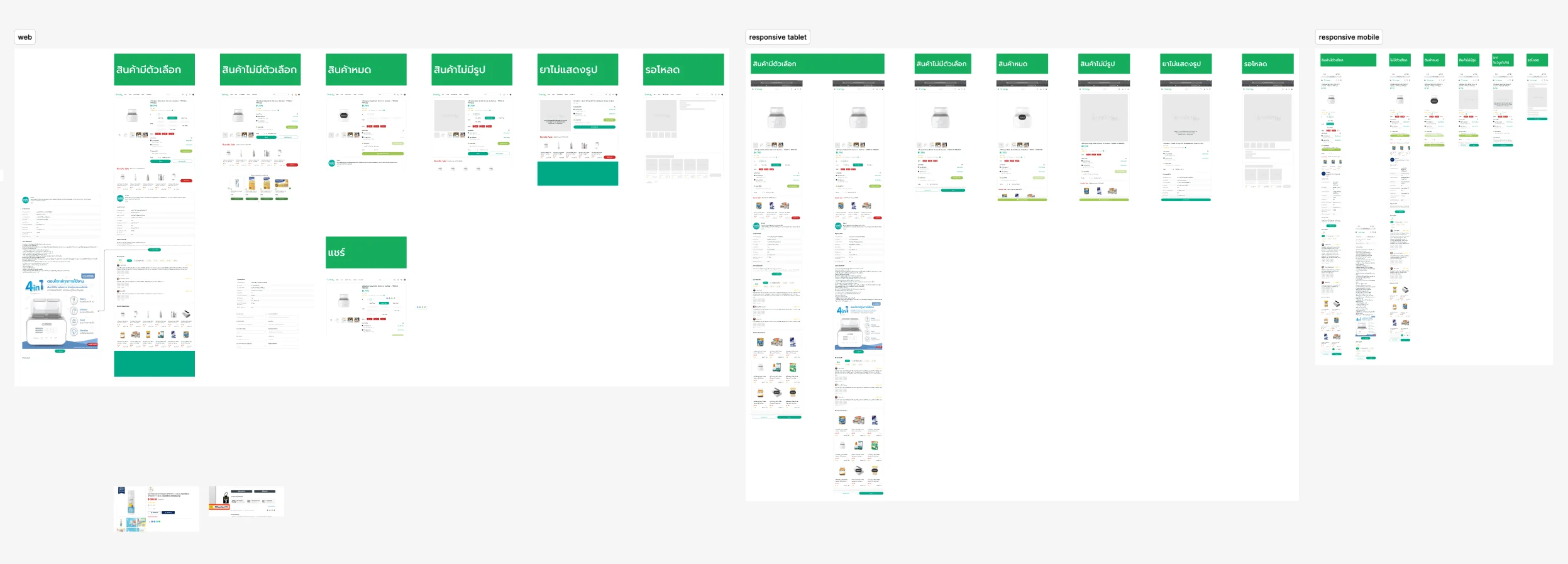
Designed the patient website at desktop, tablet and mobile widths, each with its own navigation drawer, and specified product pages for every state a pharmacy catalogue meets: with and without options, out of stock, without an image and loading.
05
Operational Back Office
Designed admin workflows for shipping-fee rules, order management, and returns, exchanges and cancellations, including item-by-item approval with a required reason for each rejection.
03 / Verification & Evidence

Outcomes

AreaBeforeAfterOutcome
Patient journeyConsultation and fulfilment involved multiple disconnected stepsIntake, consultation, purchase and delivery were designed as one connected flowMore connected
Exception pathsTime-outs, dropped calls and errors in a consultation had no defined screensEach branch of the consultation flow was designed as its own screenFully mapped
Product pagesA pharmacy catalogue meets many edge casesPages specified with and without options, out of stock, without an image and loadingFully specified
Delivery pricingShipping fees depended on weight bands and delivery typeFee rules were configured in one table, each with its own on-off statusConfigurable
OperationsDelivery, orders, cancellations, and fulfilment required multiple administrative tasksOperational workflows were organized into clearer management flowsMore structured
04 / Retrospective

What I Learned

→

Designing a telemedicine product showed me that healthcare UX is not only about making individual screens easy to use. The experience depends on how patients, pharmacies and operational teams connect across the entire service.

→

Mapping the scenarios as patient and system lanes before drawing screens showed early where delivery coverage splits the journey, so the screens could be designed for each branch from the start.

→

Working across the patient app, the website and the back office reinforced the importance of one design system shared by different users, devices and responsibilities.